English
 Bahasa Indonesia
 Bahasa Melayu

Integrating an automatic license plate recognition (ALPR) system with a parking barrier gate helps automate vehicle entry and exit without requiring every driver to stop and present a ticket or access card. The camera reads a vehicle plate, the access-control software checks the result against its rules, and the barrier controller receives an authorized open command. For a reliable installation, the camera, controller, software, vehicle-detection devices, network and safety logic must be planned as one system rather than as unrelated products.
Quick answer: integrating ALPR with a parking barrier gate means connecting a plate-reading camera to access-control software and a barrier controller so the lane can open automatically for authorized plates. Success depends on compatible interfaces, careful camera positioning, well-defined access rules, independent vehicle-safety detection and full-lane commissioning.
An ALPR parking barrier gate integration lets a lane open automatically when a camera recognizes an authorized plate. The benefit is a smoother, more traceable vehicle flow: fewer manual checks, fewer physical credentials to hand out, and a clearer event log for each passage. The trade-off is system complexity: the camera, software, controller, detectors, network and safety logic must work together as one designed solution.
This guide explains the main components, the entry workflow, compatibility checks, camera placement, wiring architecture, access rules, safety design, testing, troubleshooting, privacy and how to choose the right configuration for a specific site.
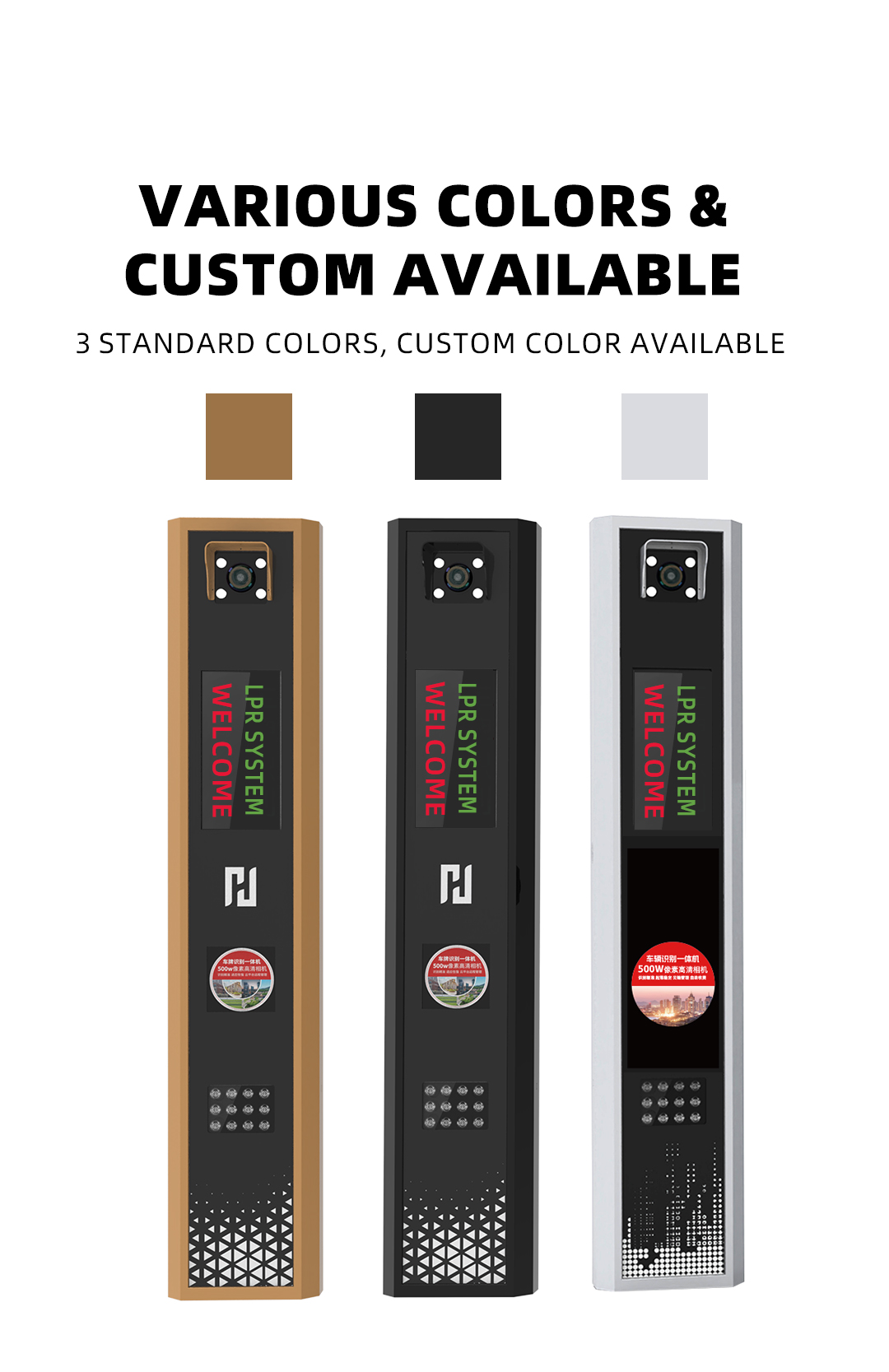
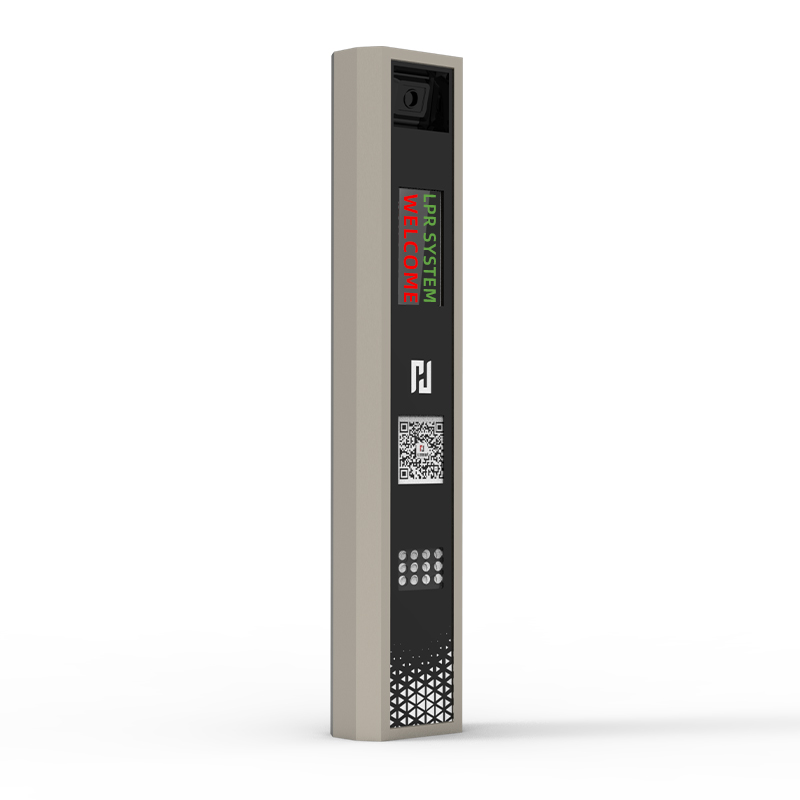
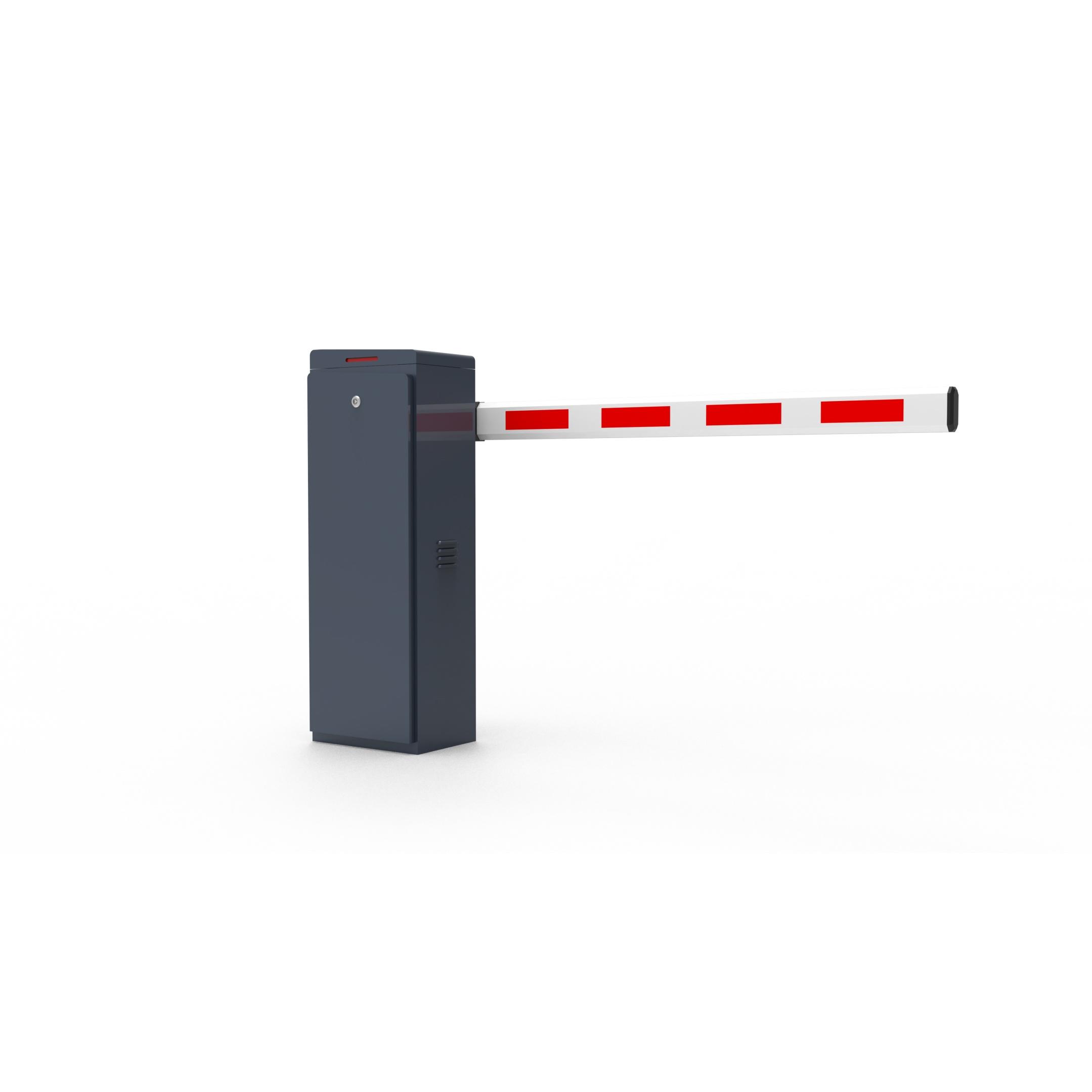
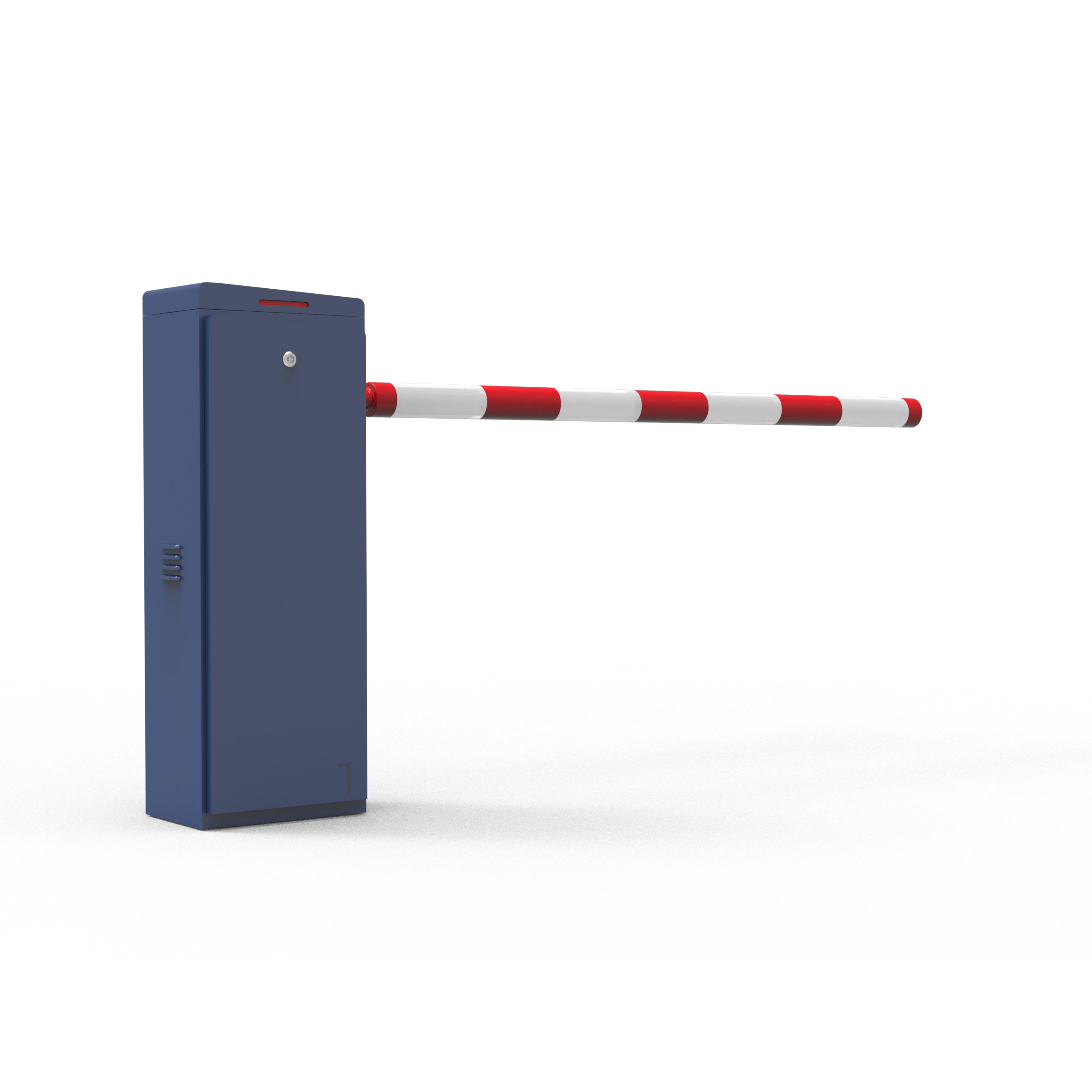
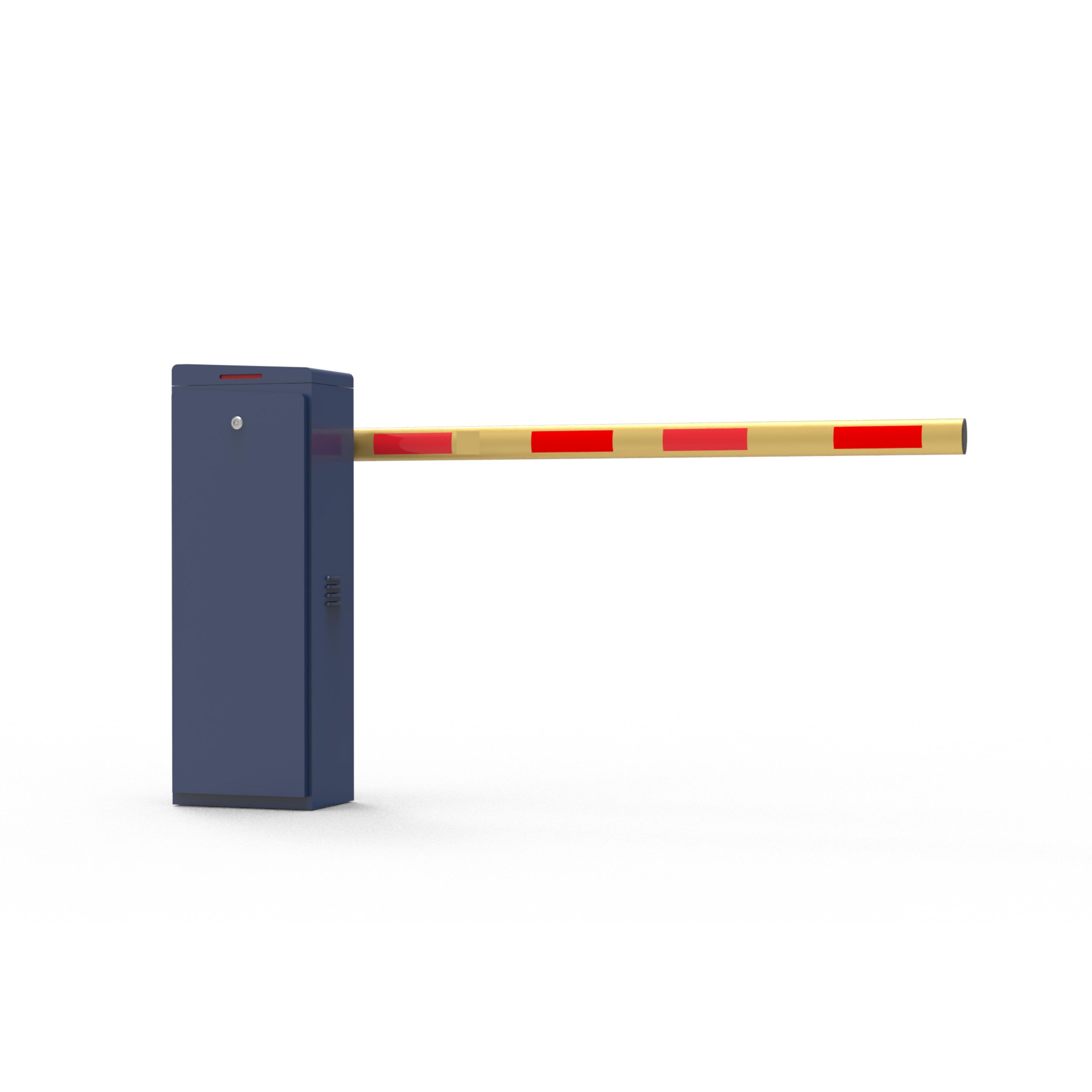
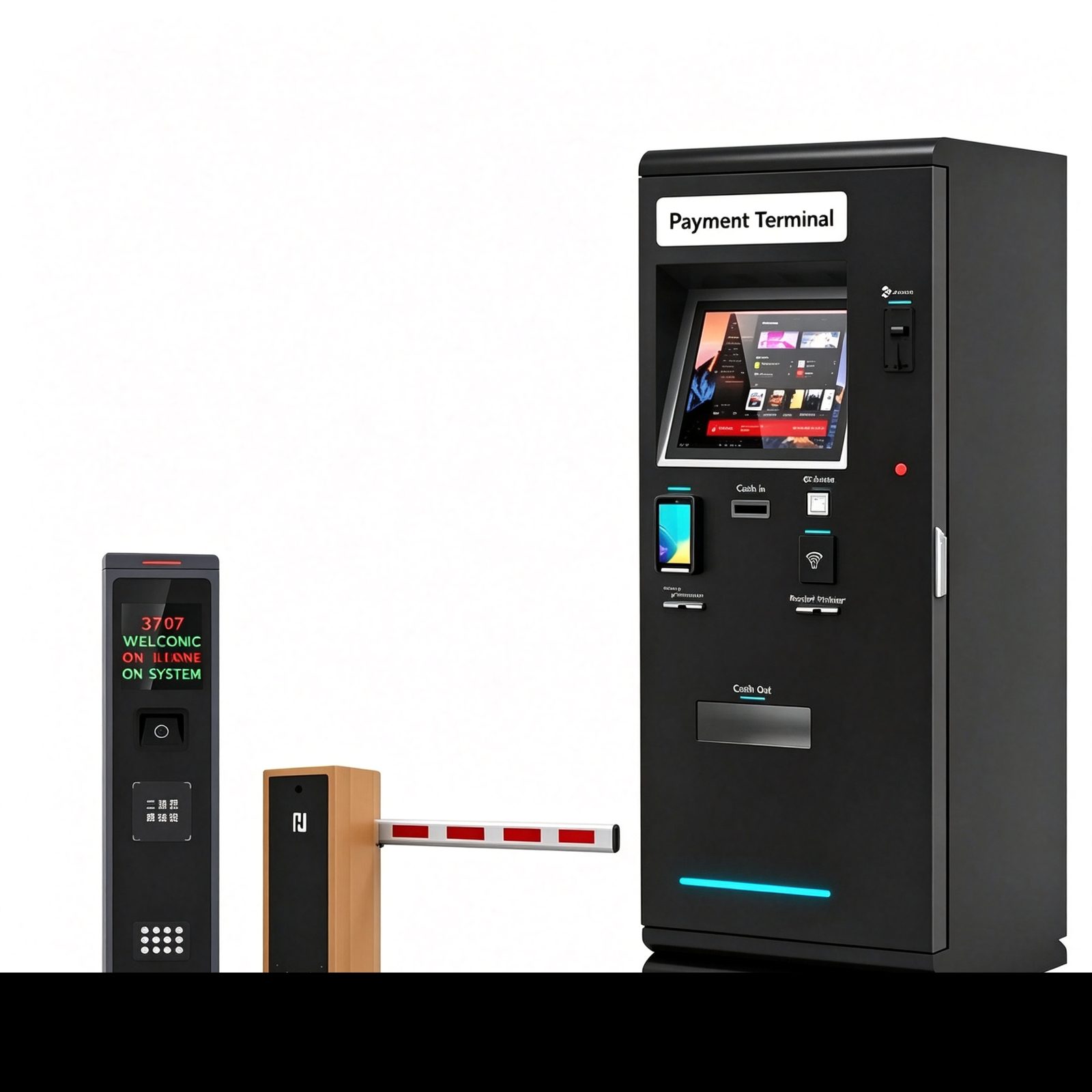
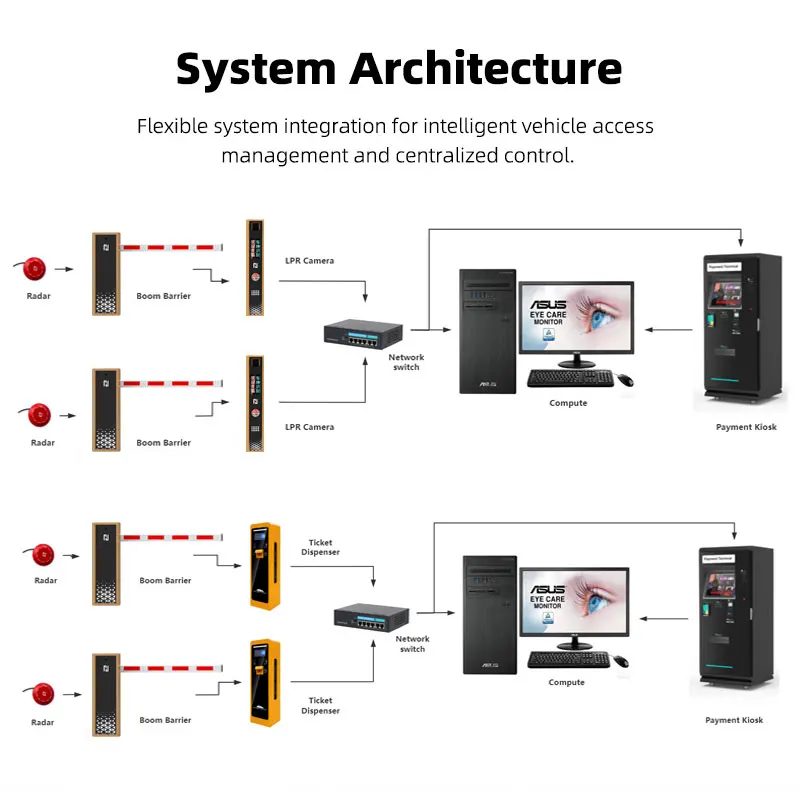
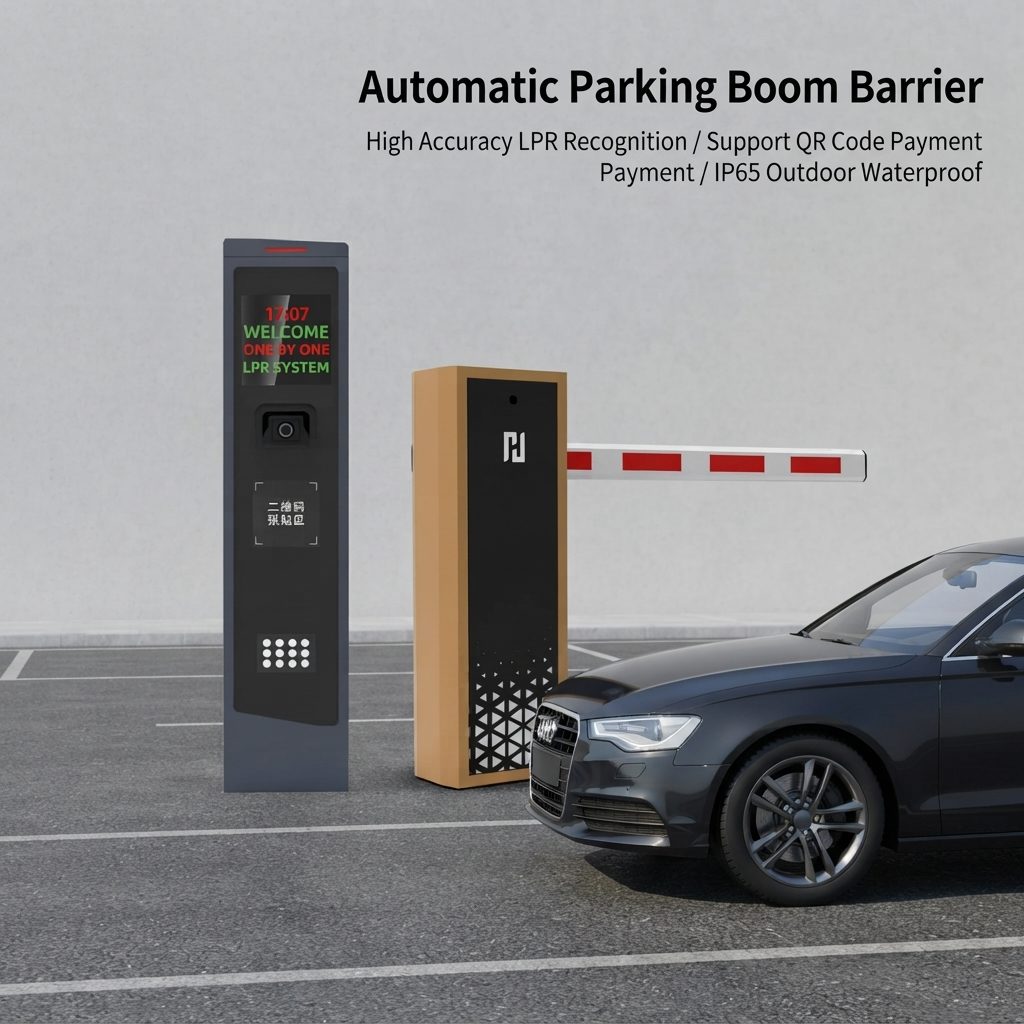
A typical ALPR parking lane includes an ALPR/LPR camera, a boom barrier gate, a barrier controller, an access-control or parking-management platform, a vehicle-presence detector such as a loop detector or radar, and a network connection. Depending on the project, it may also include an intercom, payment terminal, ticketing device, RFID reader or cloud dashboard.
| Component | Role in the integration |
|---|---|
| ALPR/LPR camera | Reads the vehicle plate and returns a plate recognition result. |
| Boom barrier gate | Physically blocks or permits vehicle passage at the lane. |
| Barrier controller | Receives the authorized command and moves the boom arm. |
| Access-control or parking-management software | Checks rules, approves or denies, and logs the event. |
| Vehicle-presence detector | Confirms the lane is clear and helps prevent unsafe closing. |
| Network connection | Links the camera, controller and software together. |
BAROXON product portfolio includes boom barriers, ALPR/LPR systems, RFID barriers, radar sensors and parking-access equipment, which can help integrators plan a matched solution. Review the boom barrier and parking system range, the ALPR/LPR vehicle identification system, the automatic RFID boom barrier and the smart boom barrier gate solutions when defining the hardware list.
A common entry sequence is easier to integrate when it is documented as a clear signal path before wiring begins.
A vehicle approaches the stop line. A loop detector or radar detects its presence and triggers image capture. The ALPR camera captures the plate and returns a recognition result with a confidence value where the device supports it.
The software checks the plate against a whitelist, permit database, visitor booking, payment status or another configured rule. If the result is authorized, the system sends an open command through a supported interface.
The barrier opens and the vehicle passes. A safety detector then confirms that the vehicle has cleared the arm before it closes. Exit logic may additionally calculate parking duration and fees. Always treat the closing step as a safety action, not just a convenience.
Never assume that two devices can communicate simply because both are described as smart or network-ready. Confirm the exact camera output, controller input, communication protocol, command format, electrical rating and software interface. Depending on the model, integration may use relay dry contacts, TCP/IP, RS485, Wiegand or a documented API. Ask the supplier for wiring diagrams, protocol documentation and a compatibility confirmation for the exact models.
These interfaces are not interchangeable: confirm which device initiates the command, whether a gateway is required, and how the system reports faults. A written compatibility statement for the specific model pair reduces integration risk.
Camera placement strongly affects recognition performance. Assess the approach angle, mounting height, distance to the capture zone, lane width, vehicle speed, headlight glare, shadows, rain, dirt and nighttime illumination. Aim the camera at the expected plate position and avoid extreme horizontal or vertical angles.
Use the manufacturer recommended capture range and configure exposure, shutter speed, infrared illumination and plate region settings for the local plate format. Test motorcycles, cars, vans and trucks if they are expected at the site, because each vehicle type presents the plate differently.
Draw the signal path before wiring. In one architecture, the camera sends plate data to the parking-management software over the network; the software evaluates access permissions and sends an authorized command to a controller. In another supported architecture, an ALPR terminal may provide a relay output directly to the barrier controller.
Choose the design based on documented product capability, required audit records and how access rules are managed. Use correctly rated power supplies, protect outdoor connections, label cables, and separate low-voltage signal wiring from mains wiring as required by local electrical codes.
Define the access policy before enabling automatic opening. Typical rules include registered resident or employee plates, temporary visitor permits, delivery windows, paid-parking status, restricted lists and time-of-day permissions. Decide what happens when a plate is unreadable, duplicated, unregistered, blocked or recognized with low confidence.
The system should provide a clear fallback, such as intercom verification, staffed approval, QR/RFID credentials or a manual process, rather than opening the barrier by default. Record the reason for each authorization or rejection where the platform supports it, because the event log is one of the main benefits of an integrated design.
ALPR recognition is an access decision, not a vehicle-safety sensor. A correctly recognized plate does not prove that the lane is clear. Use appropriate loop detectors, radar, photocells or other approved presence-detection devices to prevent the boom from closing on a vehicle or person.
Configure anti-crash or rebound functions and emergency release according to the barrier manufacturer instructions. Test tailgating, a vehicle stopping under the arm, a second vehicle following closely, detector failure, power loss and emergency access. The final design must comply with applicable local safety rules and the equipment manuals.
Commission the complete lane, not just the camera or the barrier separately. Test recognition in daylight and darkness, different plate conditions, authorized and unauthorized vehicles, network interruptions, software restarts, controller input and output behavior, opening and closing timing, safety detectors, event logs and manual override.
Measure recognition and response performance under representative site conditions rather than relying only on laboratory claims. Document the final camera settings, wiring, IP addresses, access rules, firmware or software versions, test results and maintenance responsibilities.
License plates may be personal data under local law. Define the lawful purpose for collecting plate images, limit access to recordings, set an appropriate retention period, protect network communications and administrator accounts, and document who can export or delete records. Change default passwords, segment the equipment network where practical, keep software maintained, and coordinate cybersecurity requirements with the site IT team. Privacy, retention, signage and data-transfer requirements vary by jurisdiction, so obtain local compliance advice before deployment.
The right configuration depends on lane width, traffic volume, expected vehicle types, plate formats, lighting, weather exposure, opening-speed requirements, integration protocols and the parking platform already in use. Integrators should confirm the exact model specifications, supported interfaces, safety-device compatibility and software or API scope with the supplier before ordering.
For a project-specific recommendation, prepare a lane layout, local power standard, estimated daily vehicle count, required access rules and a list of existing systems. See the technical support resources or contact BAROXON with your project requirements.
Sometimes. A direct connection is possible only when the camera or ALPR terminal provides a compatible output and the barrier controller supports the required input. Otherwise a parking-management controller or software layer is needed to make the decision and send the open command.
No. ALPR identifies a plate, while loop detectors and radar help detect vehicle presence and support safe barrier operation. They serve different functions and are usually used together as part of the safety design.
It may, provided that the camera, controller and software expose compatible interfaces or documented APIs. Confirm the exact integration scope with the vendors; do not assume universal compatibility across different platforms.
Test recognition, authorization rules, controller signals, barrier timing, safety detectors, manual override, network failure, logging and exception handling in realistic day and night conditions before opening the lane to traffic.
Baroxon designs and manufactures automatic boom barriers, parking barrier gates, LPR/ANPR license plate systems, radar safety sensors, turnstiles and access control systems. Production is certified to ISO 9001, ISO 14001 and ISO 45001, and the company operates two production bases and two research and development centres covering more than 2,000 m2. For related background, see the other technical guides in this section.
Successful ALPR and parking barrier gate integration depends on compatible interfaces, careful camera positioning, well-defined access rules, independent vehicle-safety detection and full-lane commissioning. Start with the site requirements and system architecture, confirm model-level compatibility with the suppliers, and test normal and failure scenarios before opening the lane to traffic.
A properly engineered solution can reduce manual processing and support a smoother, more traceable parking-access workflow. Explore the BAROXON boom barrier and parking system products, the ALPR/LPR vehicle identification system, the automatic RFID boom barrier and the technical support resources when planning your configuration.